What Is Grok Bot? Unofficial Starter Guide
Unofficial explanation of what Grok Bot is, what it can do, and what you can achieve — with an explicit verify-on-official-pages CTA.
Unofficial tutorial and information site. Not affiliated with xAI, Grok, or official Grok Bot. For learning and public-info collection only. Always verify on x.ai/bot and grok.com.

What Grok Bot is
Grok Bot is publicly presented on the xAI Bot page as a team of always-on AI teammates. The official framing describes messaging Bots like coworkers, giving them work the way you would a teammate, and letting them keep context over time.
This page is an unofficial English tutorial / information hub. It summarizes public product framing so newcomers can orient quickly. It is not an official xAI, Grok, Cursor, or Grok Bot product site, and it does not invent account privileges, login flows, OS matrices, or prices.
What Grok Bot can do (public framing)
From the public xAI materials checked for this guide, Grok Bot is described as able to:
- Take delegated briefs — receive a task and work toward a result, similar to assigning work to a teammate.
- Run in parallel — create more than one Bot when the workload grows.
- Return for approval — come back when your approval is needed rather than treating every step as unsupervised.
- Learn routines — follow along with a workflow and reuse that pattern later (as presented on the official page).
- Work across surfaces — official copy mentions desktop / mobile style availability; confirm the current download and platform list on the official page.
Treat the list above as positioning from public sources, not a guarantee that every capability is enabled for every account, plan, or region.
What you can achieve (productivity patterns, not guarantees)
Useful patterns people explore with AI teammates include:
- Researching a public, non-sensitive topic and returning a draft brief
- Preparing outbound or reporting drafts that you review before sending
- Turning a repeated checklist into a routine you still supervise
- Splitting work across parallel Bots while keeping a human checkpoint
None of these are promised outcomes. Results depend on your brief quality, the live product state, permissions you choose to grant, and your review habits.
Start with a safe first brief
- Open the official Grok Bot page and confirm the product and access state shown for your own session.
- Pick one task that contains no credentials, private files, payment data, or customer data.
- State the desired result, source boundaries, and a clear “do not” list.
- Ask for a draft or plan first; only then decide whether the task should continue.
- Check the output against original sources before using it.
Evidence boundary
| Topic | What we can say today | What to verify directly |
|---|---|---|
| Product framing | xAI publicly calls Grok Bot a team of always-on AI teammates. | Exact feature set shown in your account. |
| Access / login | Searchers visibly ask about login and “get started” paths. | Current start path, eligibility, and account requirements on official pages. |
| Pricing | Search demand exists for cost / subscription. | Live prices and limits on official product surfaces — this site invents none. |
| Platforms | Official page discusses work surfaces and downloads. | Current OS / device support listed by xAI. |
| vs Grok chat | Public search distinguishes Bot-oriented results from Grok assistant results. | Official packaging and access rules on x.ai/bot and grok.com. |
A review checkpoint beats blind autonomy
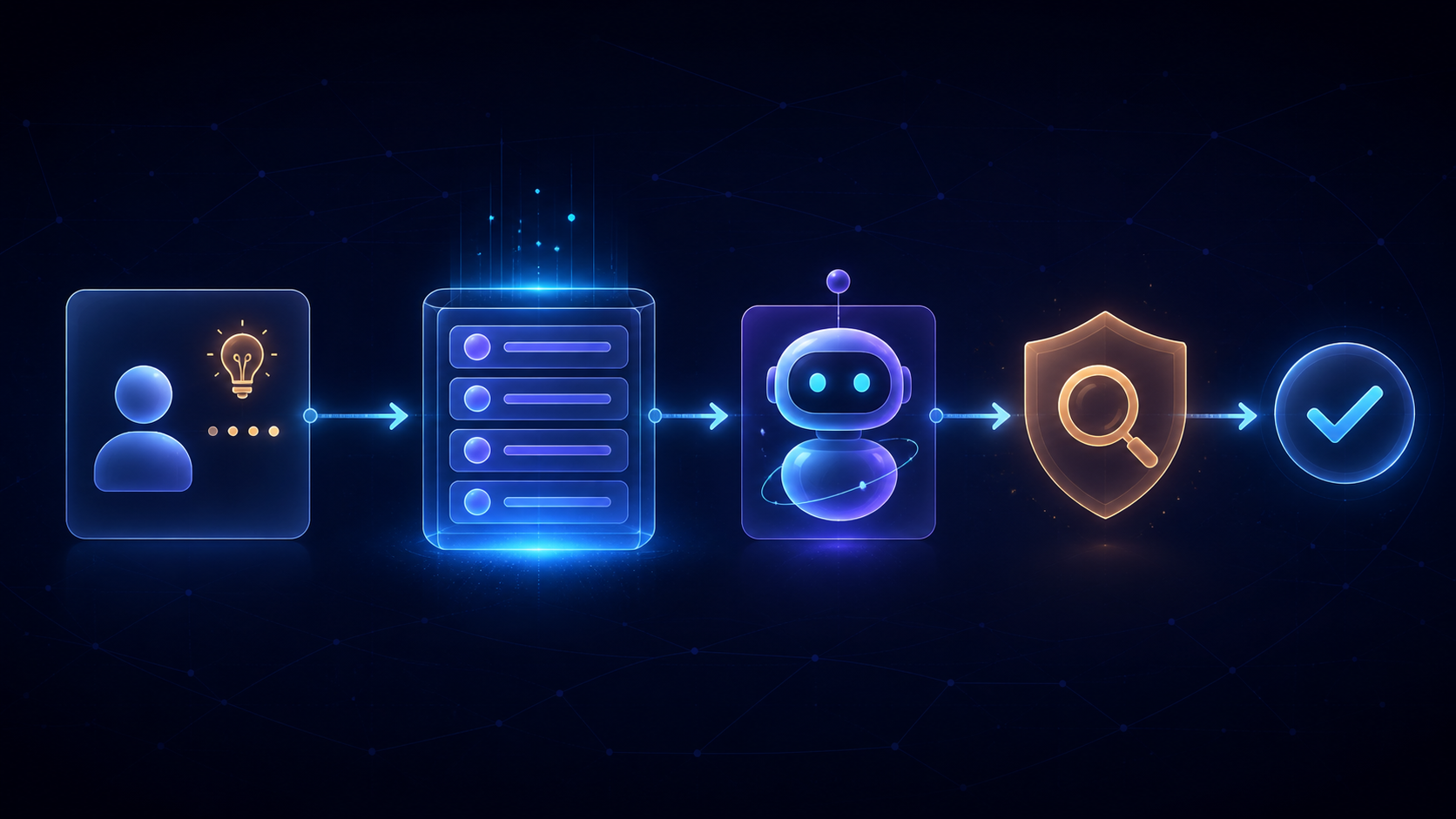
Use a checkpoint whenever a task could create an external effect: sending a message, changing a public page, spending money, accessing sensitive information, or making a business decision.
Verify on official pages
Before you change any workflow, payment choice, or access setting: